Crazy Manager
A downloadable game for Windows


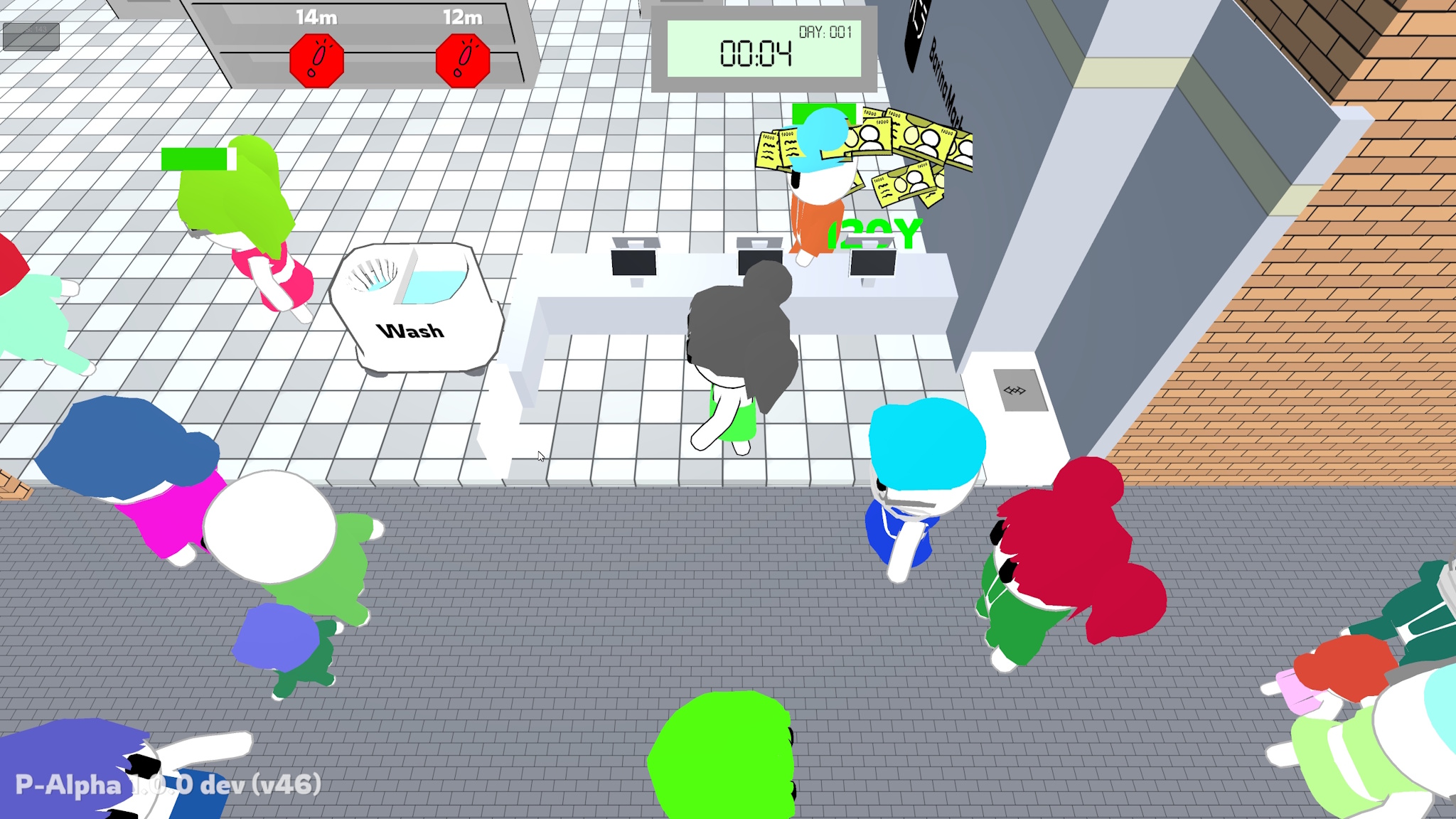
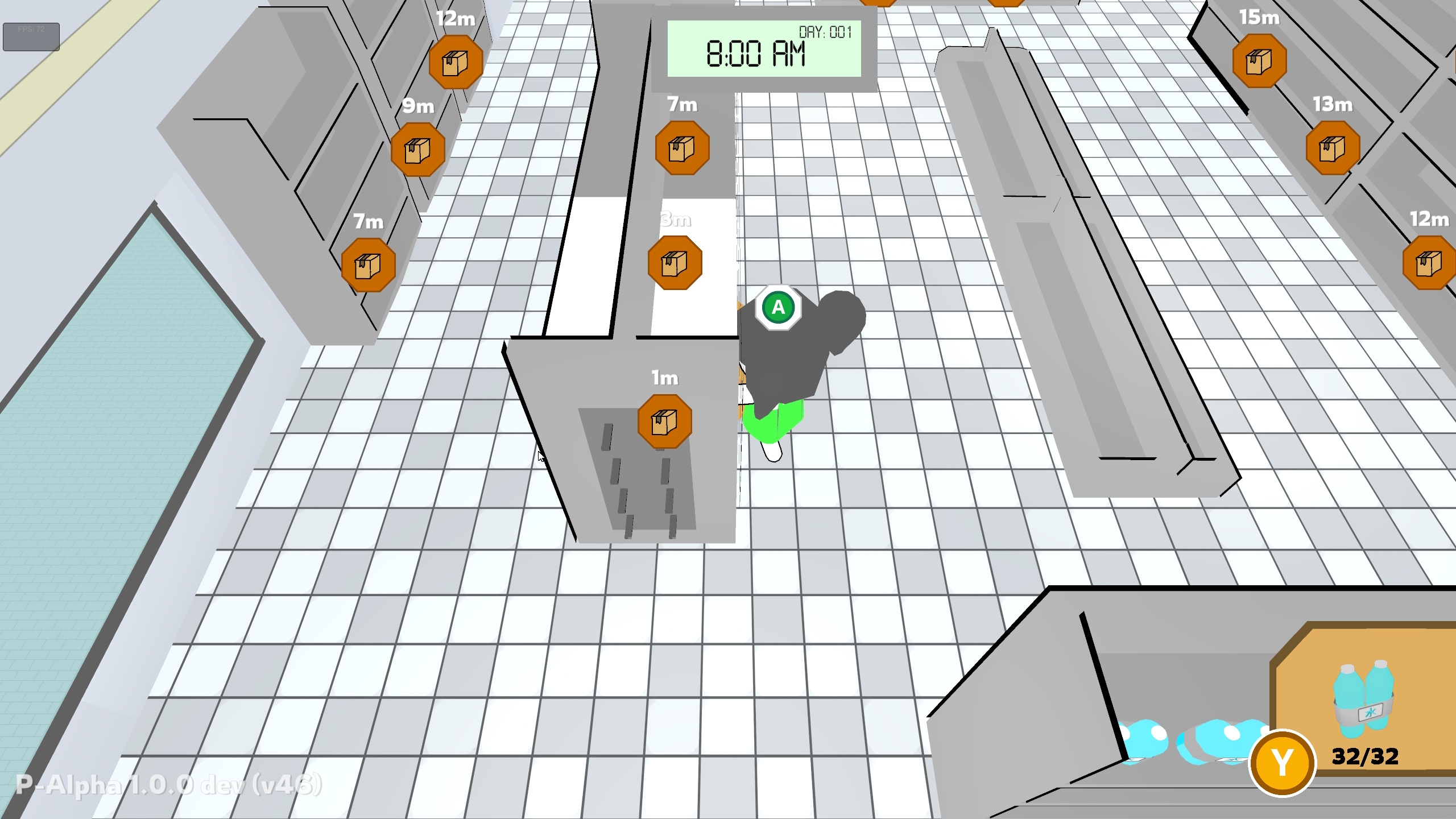
Crazy Manager es un videojuego
caotico que trata de organizar un supermercado, mientras te enfrentas a toda clase de locuras, niños molestos, basura por el suelo, o demasiados clientes a la cola

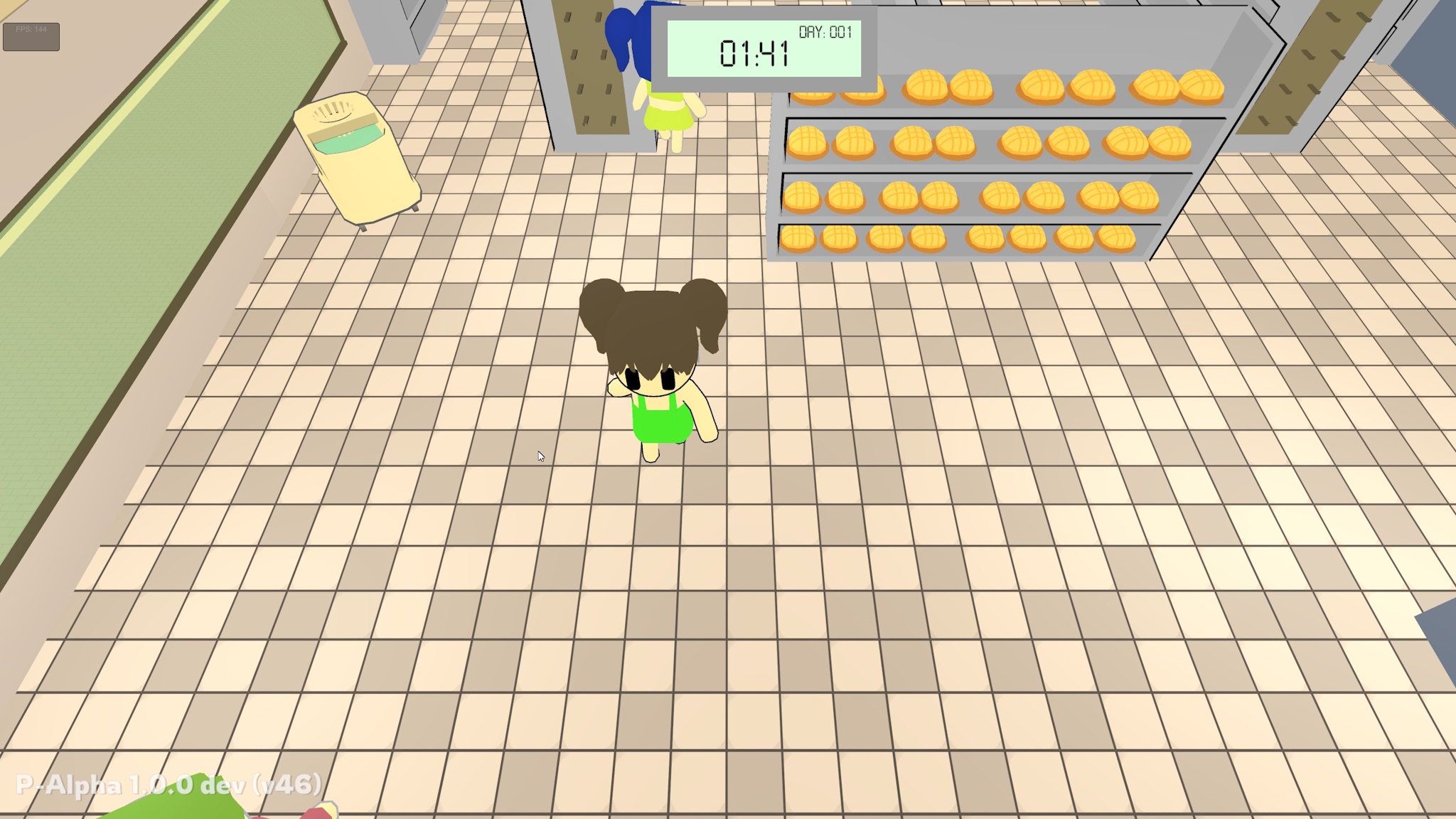
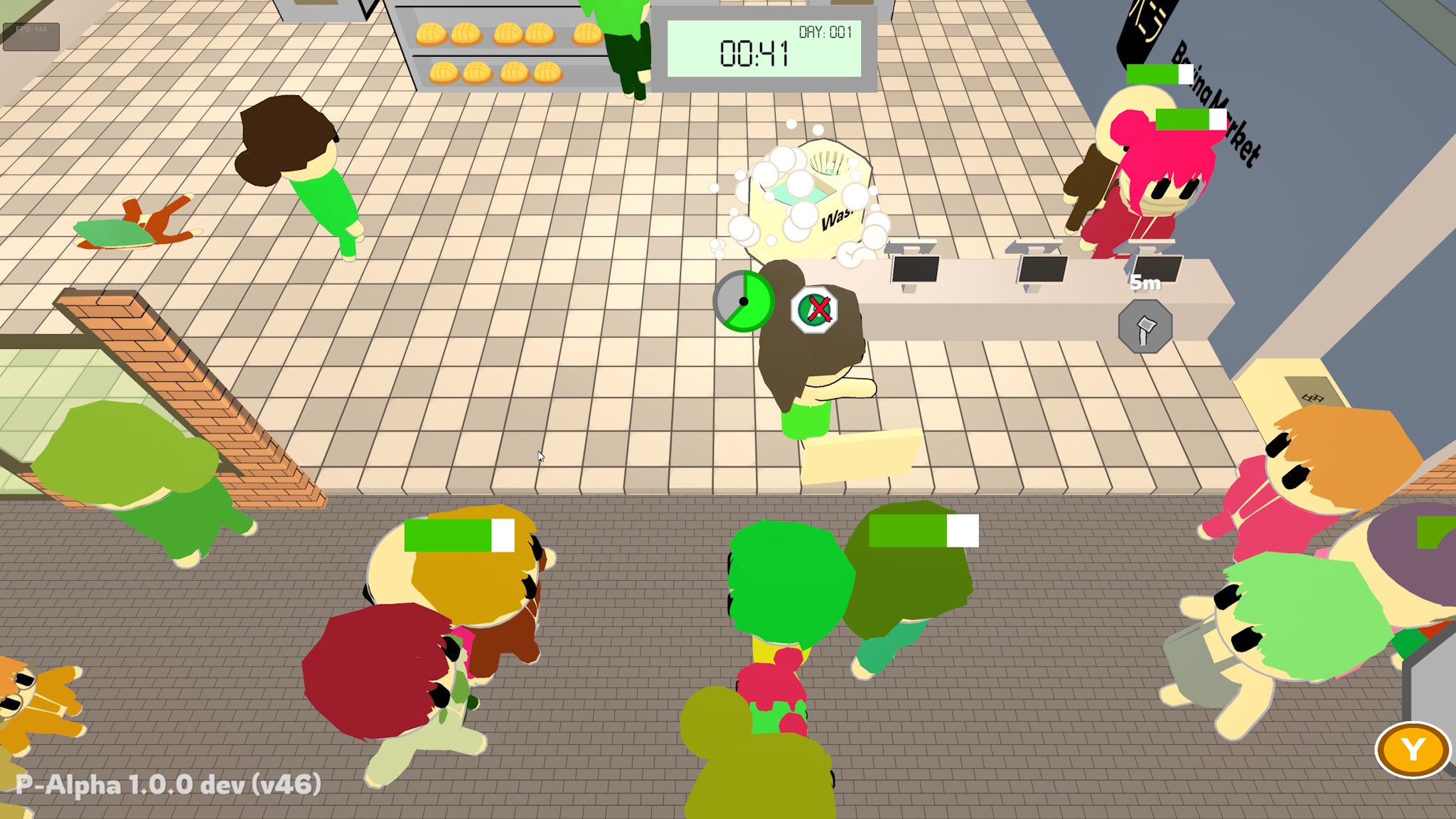
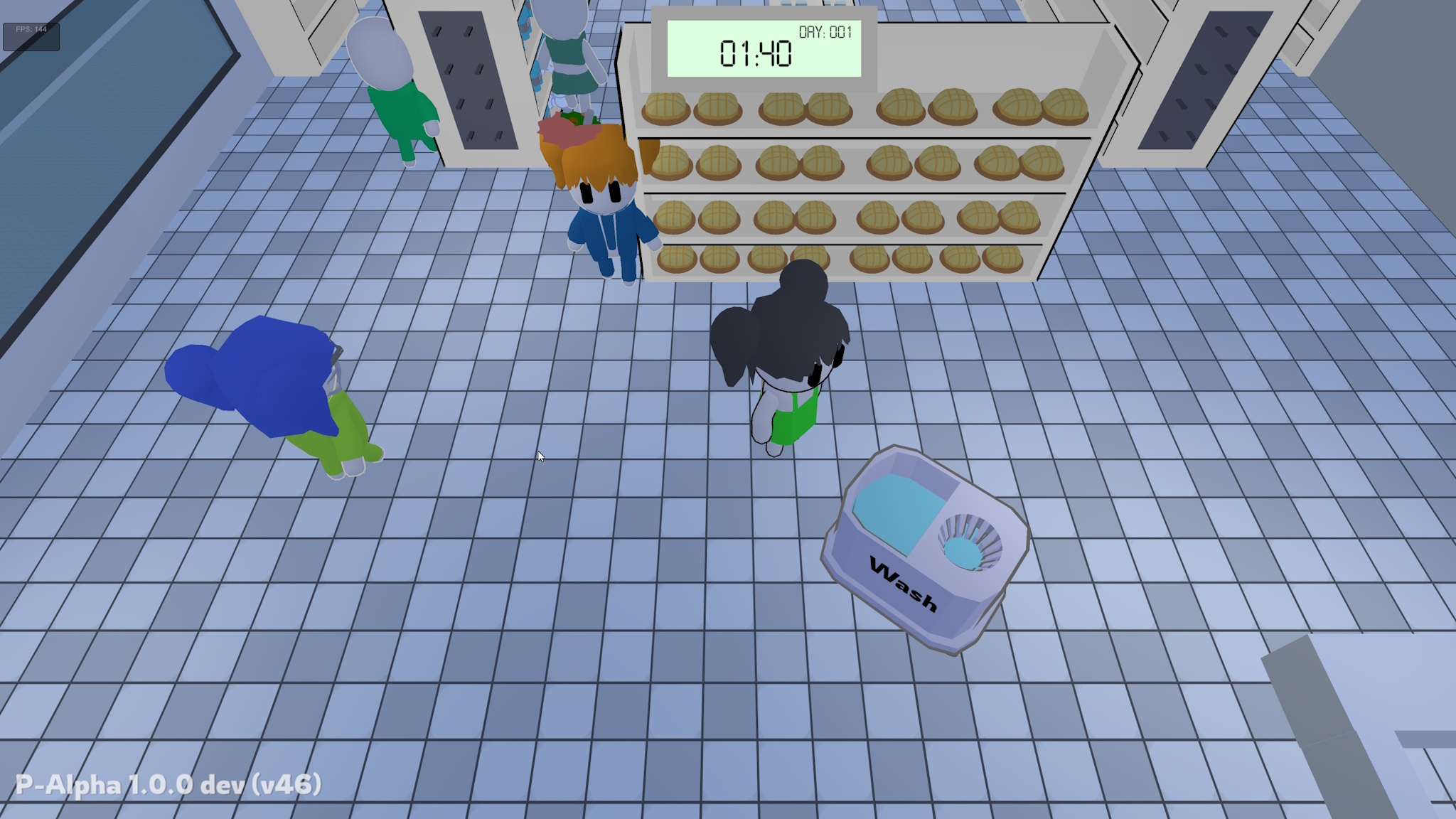
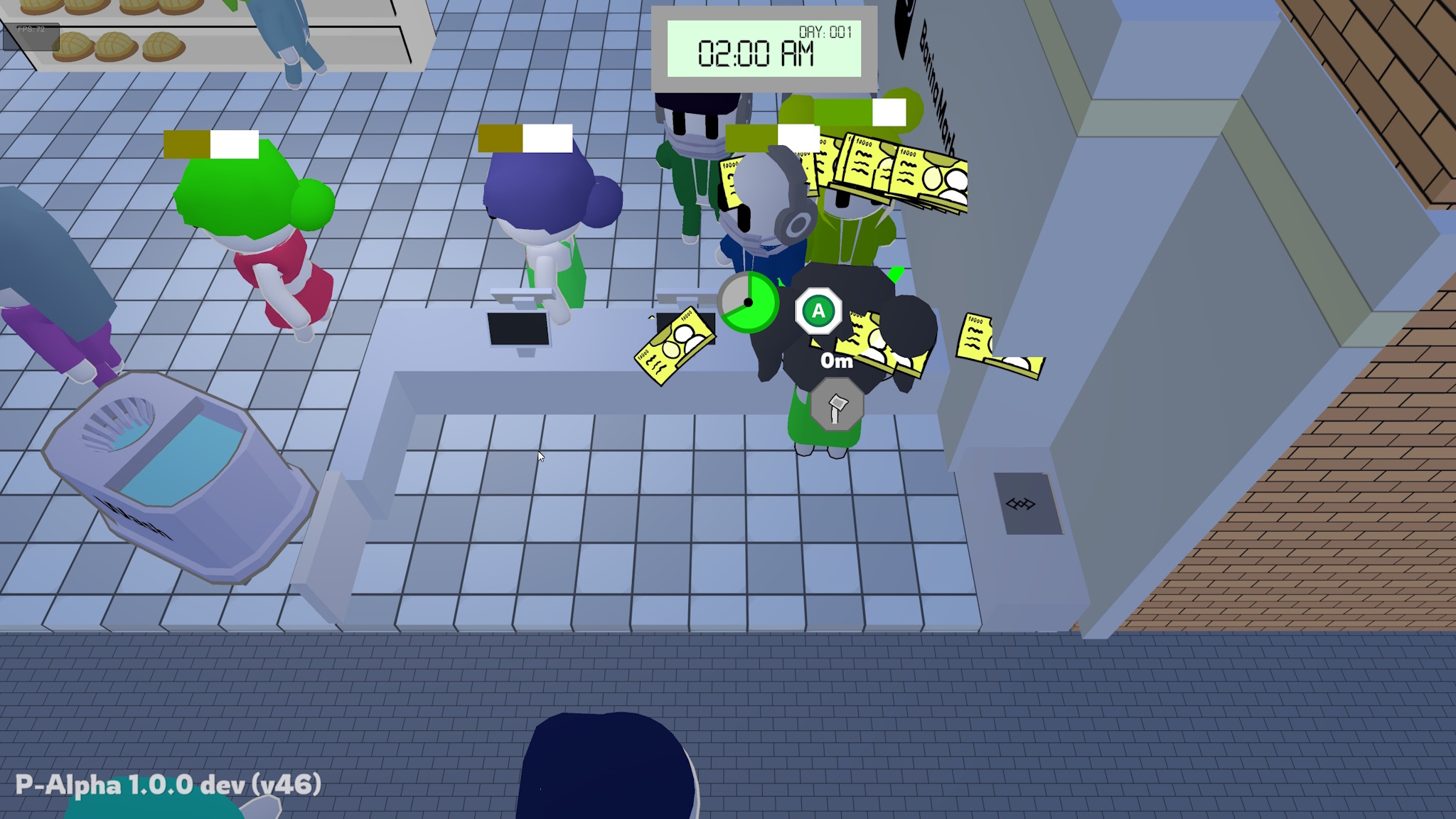
Crazy Manager is a chaotic videogame that tries to organize a supermarket, while facing all kinds of craziness, annoying children, garbage on the floor, or too many customers in the queue.
Crazy Manager is translated into the following languages
Español (España)
English
Galego
Japanese (Deep.L)
if you are interested in helping in the translation into other languages, please fill out this form https://forms.gle/TVtcNaeqwb6UMRPt5
Contact: contacto@ramiladev.com
Twitter/X: Ramila_dev
Instagram: @ramila_dev
Youtube: @Ramila_dev
Crazy Manager - Ramila © 2026Todos los Derechos reservados
Download
Install instructions
Para poder jugar multijugador Online a Crazy Manager hay que descargar un programa extra que no es necesario para jugar multijugador LAN, este programa es una VPN para poder simular que todos los jugadores están en la misma red, hay muchas opciones pero yo recomiendo siempre Radmin VPN
https://www.radmin-vpn.com/es/
Al instalarlo uno de los jugadores tiene que crear una sala y pasar los datos de conexion y el resto de jugadores tienen que unirse a su sala de Radmin VPN, una vez todos los jugadores esteis en la misma red, podeis iniciar Crazy Manager y que uno de los jugadores cree una partida, y el resto se una con la ip que le aparece en RadminVPN (Crazy Manager dice en el lobby la ip del dueño de la sala, pero tener en cuenta que la ip que teneis que usar es la de Radmin VPN, para confirmarlo al lado de la ip tiene que poner (Radmin VPN) sino aparece eso, el dueño de la sala tiene que pasar la IP que le aparece en el programa de Radmin VPN, que no es una ip convencional 192.168.x.x asi que no se asuste, una vez le pase la ip a todos los jugadores podran unirse sin problema en la seccion de "Join Game" en la pantalla de inicio de Crazy Manager
To play Crazy Manager online in multiplayer mode, you need to download an extra program that is not necessary for LAN multiplayer. This program is a VPN that simulates all players being on the same network. There are many options, but I always recommend Radmin VPN
https://www.radmin-vpn.com/es/
Once installed, one of the players must create a room and share the connection details. The other players must then join their Radmin VPN room. Once all players are on the same network, you can start Crazy Manager and one of the players can create a game. The others can then join using the IP address that appears in RadminVPN (Crazy Manager displays the IP address of the room owner in the lobby, but keep in mind that the IP address you have to use is the one from Radmin VPN. To confirm this, it should say (Radmin VPN) next to the IP address. If this does not appear, the room owner must pass on the IP address that appears in the Radmin VPN program, which is not a conventional 192.168.x.x IP address, so don't panic. Once the IP address has been passed on to all players, they will be able to join without any problems in the “Join Game” section on the Crazy Manager home screen.
Development log
- Actualización ALPHA 3.0.0Sep 05, 2025
- Actualización ALPHA 2.2.1Aug 31, 2025
- Actualización ALPHA 2.2.0Aug 31, 2025
- Actualización ALPHA 2.1.0Aug 27, 2025
- Actualización ALPHA 2.0.1Aug 23, 2025
- Actualización ALPHA 2.0.0Aug 23, 2025
- Actualización ALPHA 1.1.0Jul 19, 2025
- Crazy Manager Micro-demo ya disponibleJul 06, 2025